Brockiradar
View Project →About
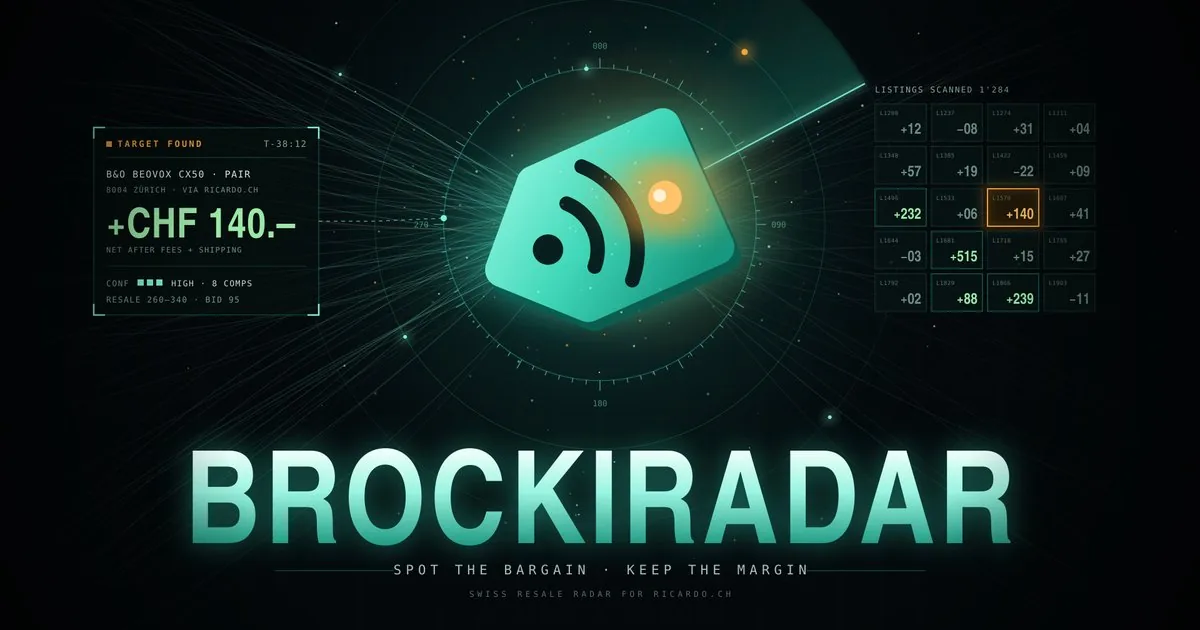
Brockiradar finds listings on ricardo.ch that are priced well below what the same item usually sells for. It is made for people who buy second-hand to resell: instead of scrolling through thousands of listings, you set up radars for the things you know, and Brockiradar shows only the deals where the margin is worth it.
Every deal comes with an estimated resale value, taken from recently sold comparable items or from a reference price you set. It also shows the fees and shipping you would pay and the margin that is left. A confidence level tells you how far to trust each estimate. Alerts by push or email reach you while an auction is still running, and a flip log keeps track of what you bought, listed and sold, with your profit per month.
Brockiradar reads ricardo.ch only through Ricardo's official partner interface and links every result to the original listing; buying and selling happen on ricardo.ch itself. Access is by invitation only. Until the partnership with Ricardo is in place, the app runs on clearly labelled demo data.
Usage Guide
- Go to www.brockiradar.com. Brockiradar is invite-only: to ask for access, write to partner@brockiradar.com.
- Open the invitation email and click the link. Choose a password, or sign in with HelveticLabs if that button is shown.
- The short welcome steps help you create your first radar: keywords or categories, a maximum price, and the minimum margin a deal must reach.
- Deals lists the matches, best margin first. Open one to see the estimate, the comparables, the fees and the margin. Open on ricardo.ch takes you to the listing to bid or buy there.
- Bought it? Click I bought it and the item moves to the Flip log. Mark it as listed and sold later, and the log adds up your profit.
- Under Alerts, turn on push or email per radar, set quiet hours, and get notified about saved auctions that are about to end.
- Settings holds your margin rule, your own fee rate, the theme, the export of your data and the deletion of your account.