Snipedex
View Project →About
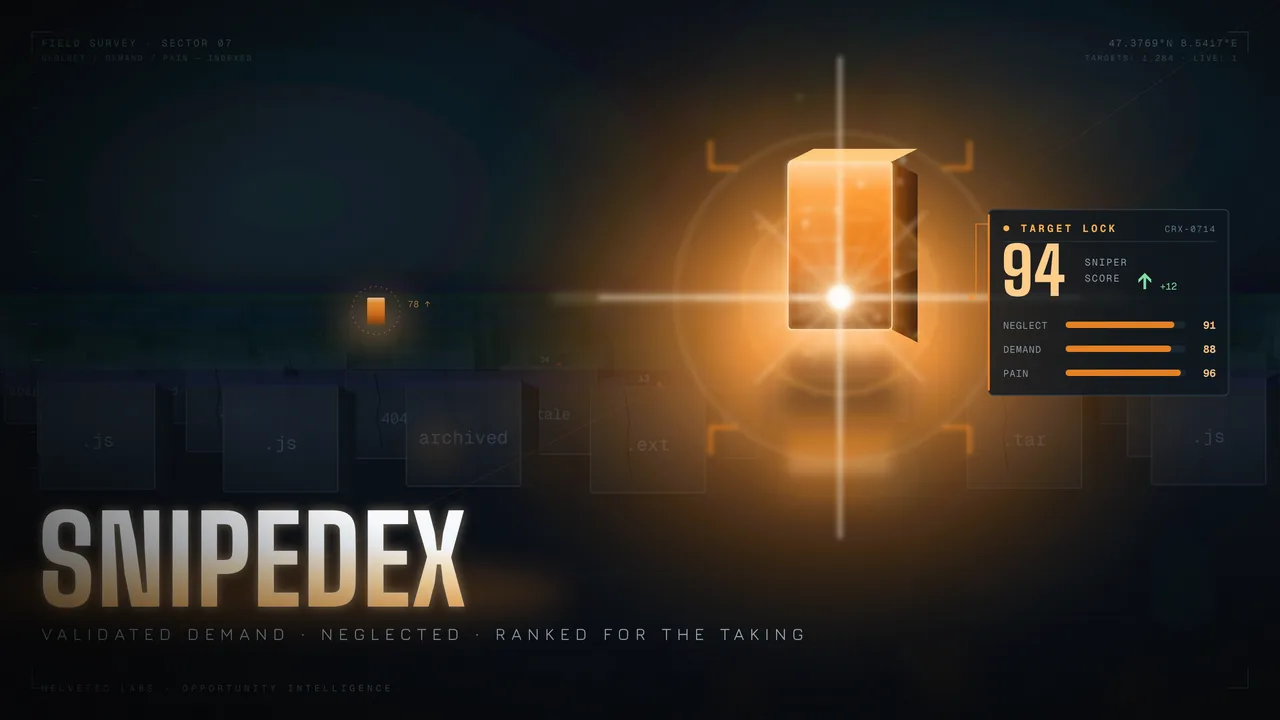
Snipedex helps you find software that is worth taking over or rebuilding. It scans public GitHub repositories and ranks what it finds: projects that people still want, that their makers have stopped looking after, and that users keep complaining about. Where an operator has switched it on, Chrome Web Store listings and reviews add more signal.
Every target gets three scores from 0 to 100 (Neglect, Demand and Pain) and a combined Sniper score that sets the ranking. You can open any score and see the raw inputs behind it, such as days since the last commit, stars, installs or review volume. The same input always gives the same score, so you can check the list instead of trusting it.
- Keyword scans that stream results to your dashboard as each target is scored
- Score breakdowns down to the inputs, plus a plain-language summary of why a target ranks high
- Complaint clustering when there is enough evidence (no generated story below 3 negative reviews)
- Tuning sliders to re-weight Neglect, Demand and Pain, with a live preview of how your top 25 would change
- A shortlist with statuses (Considering, Pursuing, Passed) and short notes
- CSV and JSON exports that record the weights and scoring version used
- Team workspaces for up to 15 people
Plans: Free, Pro (CHF 9.95 per month) and Team (CHF 29.85 per month), VAT included. Yearly billing gives two months free. Every new account starts with 14 days of Pro, no card needed.
Usage Guide
- Go to www.snipedex.org and click Get started.
- Create an account with email and password, or use one of the sign-in buttons (for example Google, Apple or GitHub). If you sign up with email, open the confirmation mail and confirm your address before your first sign-in. Your account starts with 14 days of Pro, no card needed.
- On the setup screen, connect GitHub: click Connect, or paste a personal access token with the
public_reposcope. GitHub on its own is enough to get full scores. - Add one or more keywords, for example
pdforscreenshot. These decide what Snipedex searches for. The default keep-threshold is Sniper 60, so weak results stay off your dashboard. - Click Run first scan. You can leave the page: a Scanning… chip in the top bar shows progress, and targets appear on the dashboard as soon as each one is scored.
- Click a target to see its score breakdown and why it ranks where it does. Star the ones you like to add them to your Shortlist, then give each a status and a short note.
- Optional: open Tuning to change the weights (default 35 / 30 / 35) and press Apply weights, or open Exports to download your shortlist as CSV or JSON.
- When the trial ends, your account continues on Free unless you choose Pro or Team on the Pricing page.